6 Creative Apps for Creating Carousels and Collages
First impressions on social media dictate your success. Forget about the boring Canva templates that everyone is using these days. In this edition, we’ll look at 6 stylish apps that will bring authenticity, playfulness, and a premium look to your feed.
As creators and brands, we constantly face the same challenge: How to stand out in a sea of average content? How do you capture the attention of a viewer who has the attention span of a goldfish and force them to stop doom-scrolling? Forget about the cliché Canva templates or generic ChatGPT texts that literally everyone uses now. The real magic (and competitive edge) is hidden in apps and platforms that most of the internet doesn't even know about yet.
At Carl for Social, we love testing new technologies. That’s why we’ve picked out 6 hidden gems for you. We’ll show you not only what they can do, but mainly concrete ideas on how to use them instantly in practice for your personal brand or business. Let's dive in!
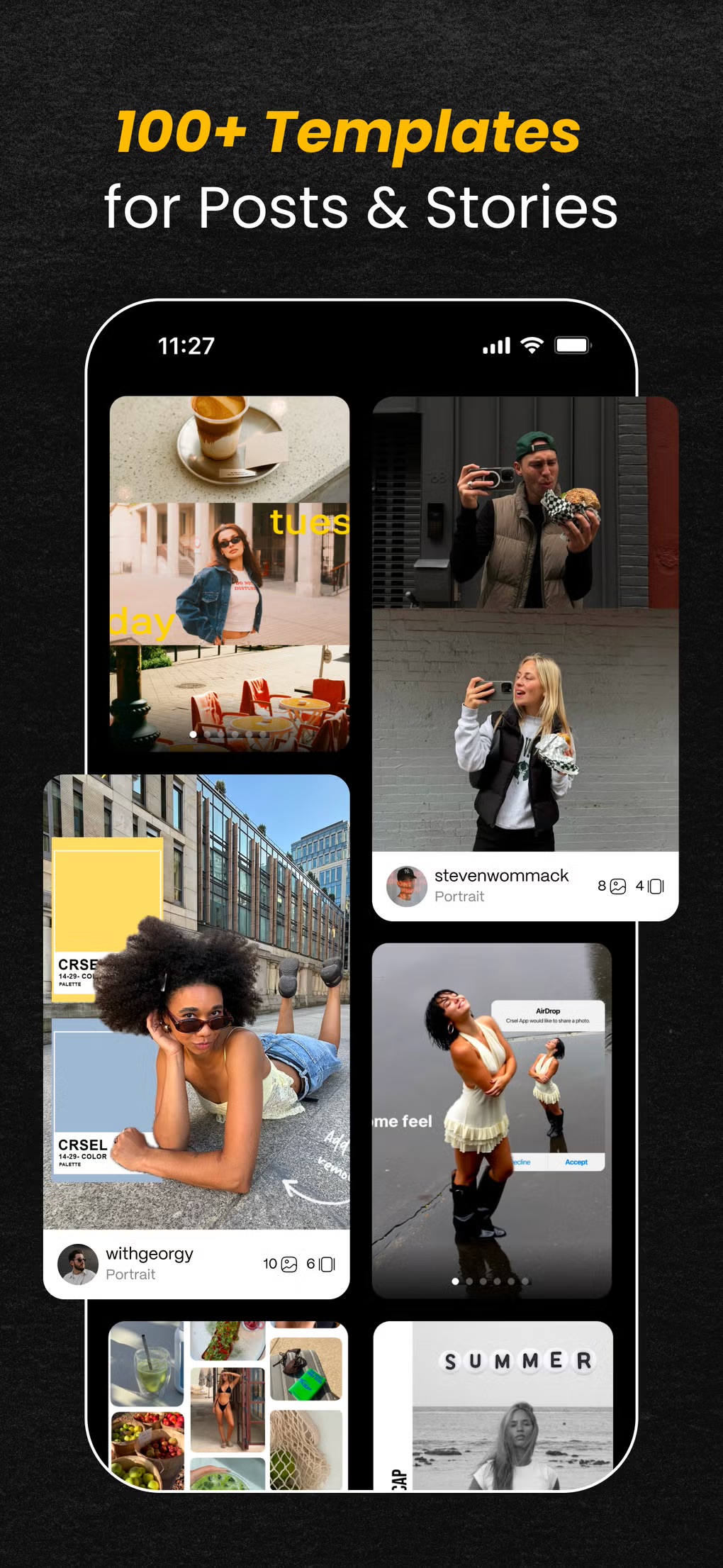
1) Crsel
An all-in-one mobile app designed to create aesthetic Instagram carousels, Stories, and Reels covers with seamless transitions between slides and a built-in AI background cutout tool.
-
How to use it as a creator: Create seamless travel stories or so-called "photo dumps" where images flow into one another, literally forcing users to keep scrolling.
-
How to use it as a brand: Great for both B2B and e-commerce educational carousels. Idea: Create a product lookbook where half of the product starts on the first slide and the second half seamlessly continues on the next.
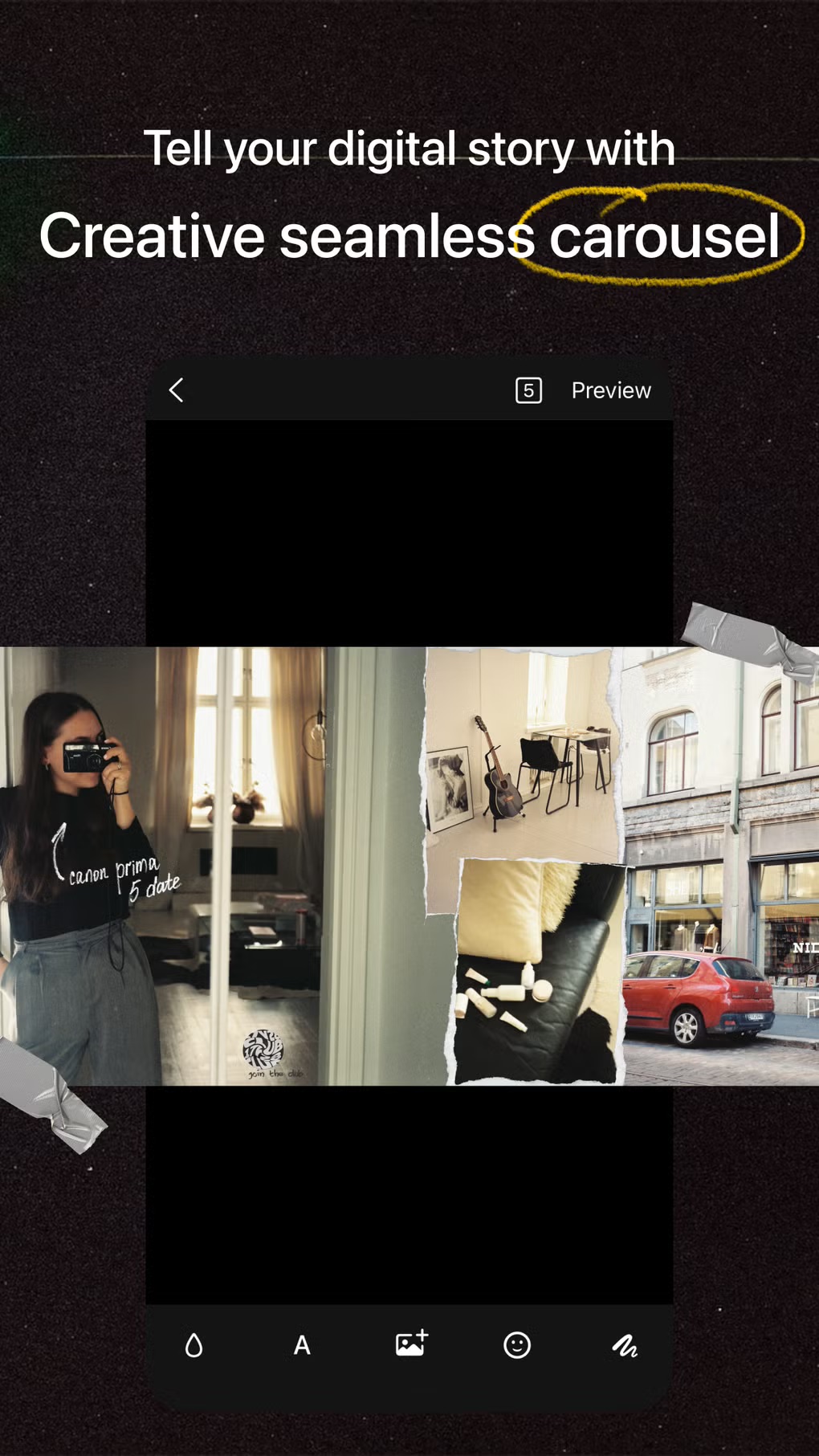
 2) 17v28
A highly popular creative tool for making digital collages, scrapbook pages, and carousels that combines photos with video, offering over 1,000 handmade stickers and analog textures.
-
How to use it as a creator: Ideal for monthly recaps or creative journals. You can insert both static photos and short atmospheric videos into a single aesthetic collage.
-
How to use it as a brand: Showcase what goes on behind the scenes. Idea: Instead of a classic, boring post about a new team member, create a scrapbook collage of their first week at work: a photo of their desk, a short video from a team lunch, funny digital stickers, and captions written in a trendy font.
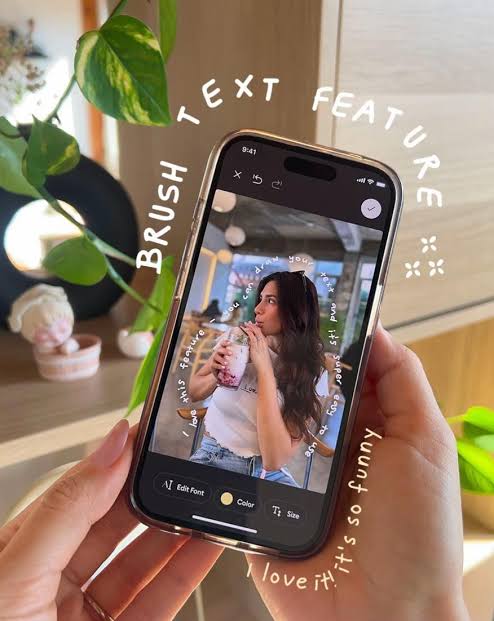
 3) klora
A new creative app for making scrapbooks and mood boards, whose biggest weapon is the "Text Brush," a tool that makes the text follow the movement of your finger across the screen (it can wave or twist).
-
How to use it as a creator: To express specific emotions in your Stories and to create original cover photos for your Reels. Wavy text will grab attention instantly.
-
How to use it as a brand: Creating visual mood boards for a new collection or campaign. Idea: A clothing or interior design brand can create a series of Stories where text wraps around the curves of the products, highlighting their key features in a playful way.
 4) dooo0t
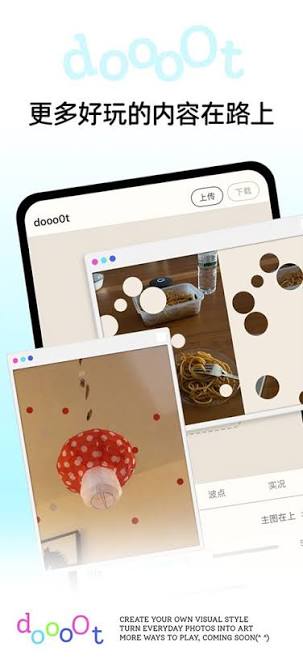
A minimalist and highly creative Asian app focused on visual expression rather than classic retouching. It offers layout structuring, large polka-dot filters, ASCII art, and knitted background textures.
-
How to use it as a creator: If you want to completely stand out from the crowd and give your personal brand a touch of Y2K, retro-futurism, or Asian minimalism. It’s perfect for making "whimsical" and playful edits to ordinary daily photos.
-
How to use it as a brand: For bolder brands (e.g., streetwear, indie cosmetics, cafes). Idea: Introduce a new product using ASCII art (an image made of characters and letters) or use giant polka-dot filters for a teaser of a new campaign.
 5) Dazz Cam
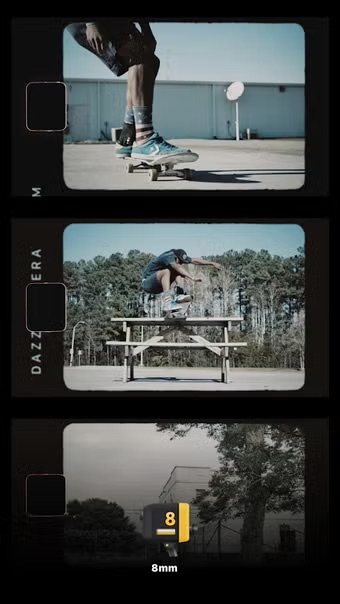
A top-tier, globally loved retro camera that perfectly simulates the look of old 80s and 90s film cameras, including light leaks, grain, and Polaroid frames.
-
How to use it as a creator: Give your everyday moments a nostalgic vibe. People love the retro aesthetic because it feels human and authentic, great for lifestyle influencer snapshots.
-
How to use it as a brand: Humanizing your brand. Idea: Use Dazz Cam to take snapshots from a company party or from packing orders. The photos will instantly have that "good old days" charm, triggering a stronger emotional connection with customers than sterile studio photos.
 6) Inpreview
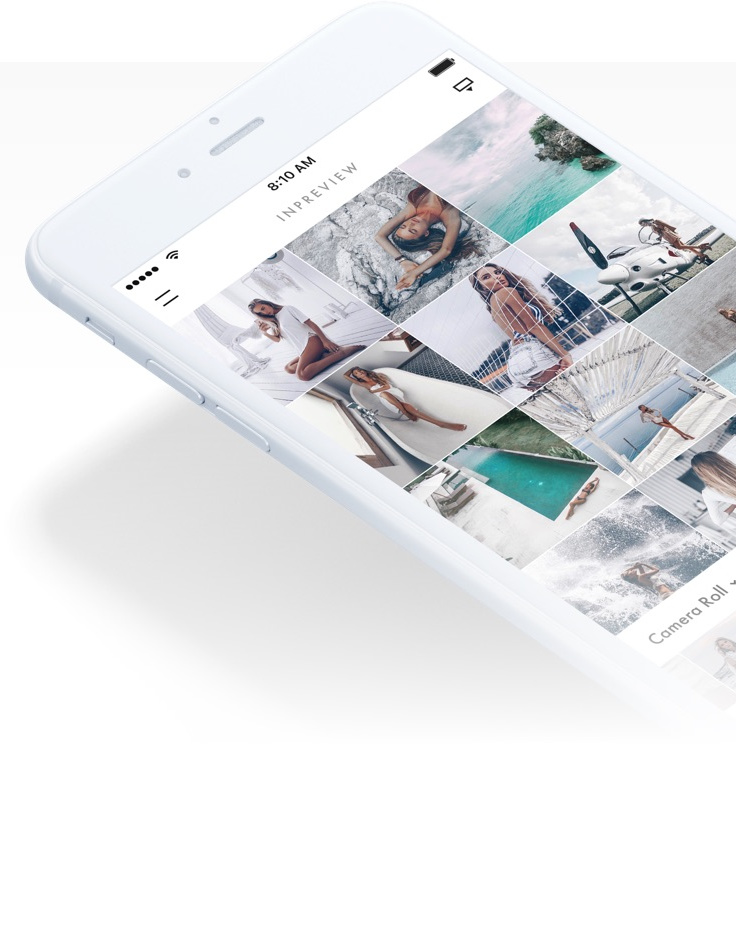
An intuitive feed planner for Instagram that lets you preview your photo grid, plan captions, try out unifying filters, and set publishing reminders.
-
How to use it as a creator: Maintain visual consistency. You can plan ahead to see how detailed product photos, portraits, and text graphics look next to each other so your feed never looks chaotic.
-
How to use it as a brand: A must-have for marketing managers. Idea: Plan a visual checkerboard or color transitions (e.g., a smooth transition from summer blue to autumn orange). Inpreview ensures that your profile looks absolutely flawless before launching a campaign.
 But remember the golden rule of social media: Tools are a great servant, but strategy is the master. Even the most beautiful collage or the most modern AI video won't work without a clear goal and an authentic brand voice. Treat these apps as your playground. Test, play around, and see what your audience enjoys the most.
Carl for Social
Don't miss what's coming next.
Stay on top of social media trends and tips that help you grow your content on Instagram, TikTok, Facebook, and YouTube. Download Carl for Social — it's free.
Download app