Connect to Carl. Never screenshot again.
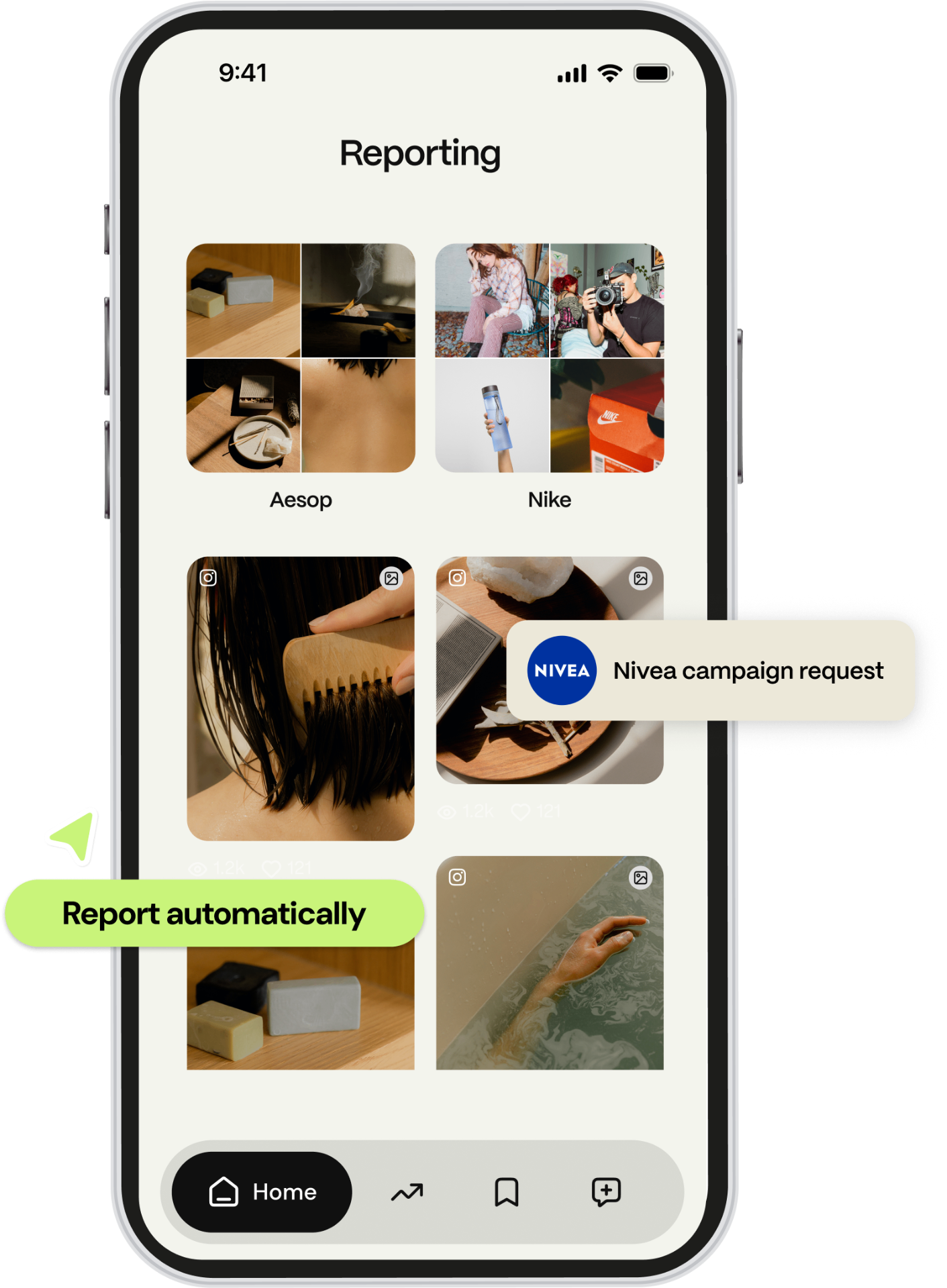
Your brand partner uses Carl for Social for automated reporting. Securely link your accounts into the app, post like you always do, and Carl captures every campaign metric for you. No screenshots required.

Four steps. About five minutes.
You can come back to this page anytime — your progress is saved in the app.
Download Carl & sign up
iOS: get Carl for Social on the App Store. Android: sign up in your web browser (app in progress). Login to Carl via Apple, other services or e-mail and password.
Connect your socials
Link every platform the campaign runs on — Instagram, TikTok, YouTube, Facebook. Takes a few taps each. 100% secured by the networks — we never see your login or passwords.
Post like you always do
No new workflow, no extra steps. Create your content as you agreed with your brand partner, add the campaign hashtag, and publish.
Carl handles the reporting
We detect campaign posts via the hashtag and pull stats automatically. Brands see the same numbers you do — only for campaign posts. Everything else on your profile stays 100% private.
Four things to get right.
Read these before your first campaign post. They take a minute and save days of back-and-forth.
Connect every platform the campaign runs on
If the brief lists Instagram, TikTok and YouTube, all three need to be connected. A missing one means those posts won't be tracked.
First account = free upgrade for the rest
Once you connect your first social, we upgrade your Carl account so every other platform connects for free. The brand covers it.
Connect before you post
Get your accounts linked before publishing the first piece of campaign content — early posts may not be tracked otherwise.
Use the campaign hashtag
Carl matches posts to campaigns by hashtag you agreed on with a brand. If there is a typo, we track the post too, but if you forget the hashtag completely, the post will not be tracked.
Pick your platform and follow along.
Most networks take just a few taps. Instagram has a couple of extra steps, but don't worry — we'll walk you through them.
- 1Open Carl for Social on your phone.
- 2Tap Connect accounts → YouTube.
- 3Sign in with the Gmail you use for YouTube.
- 4Approve permissions and you're done.
Heads up
If you manage multiple channels, pick the brand-collab channel when prompted. You can change it later.
Detailed YouTube guideInstagram won't connect? It's almost always one of these three issues.
Your Instagram isn't a Professional account
In the Instagram app: Edit profile → Switch to professional account. Pick Creator or Business — either works.
Instagram isn't linked to a Facebook Page
Create or pick a Facebook Page, then link it to your Instagram in Meta Business Suite settings. The Page can be empty — it just has to exist.
Two-Factor Authentication isn't enabled on Facebook
Facebook requires 2FA to allow the Instagram connection. In Meta Accounts Center → Passwords and Security → Two-Factor Authentication, set up an authentication app or SMS, then retry the connection in Carl.
One tool for this campaign — and every collab after it.
All your stats in one place
Instagram, TikTok, YouTube and Facebook performance — together, in real time.
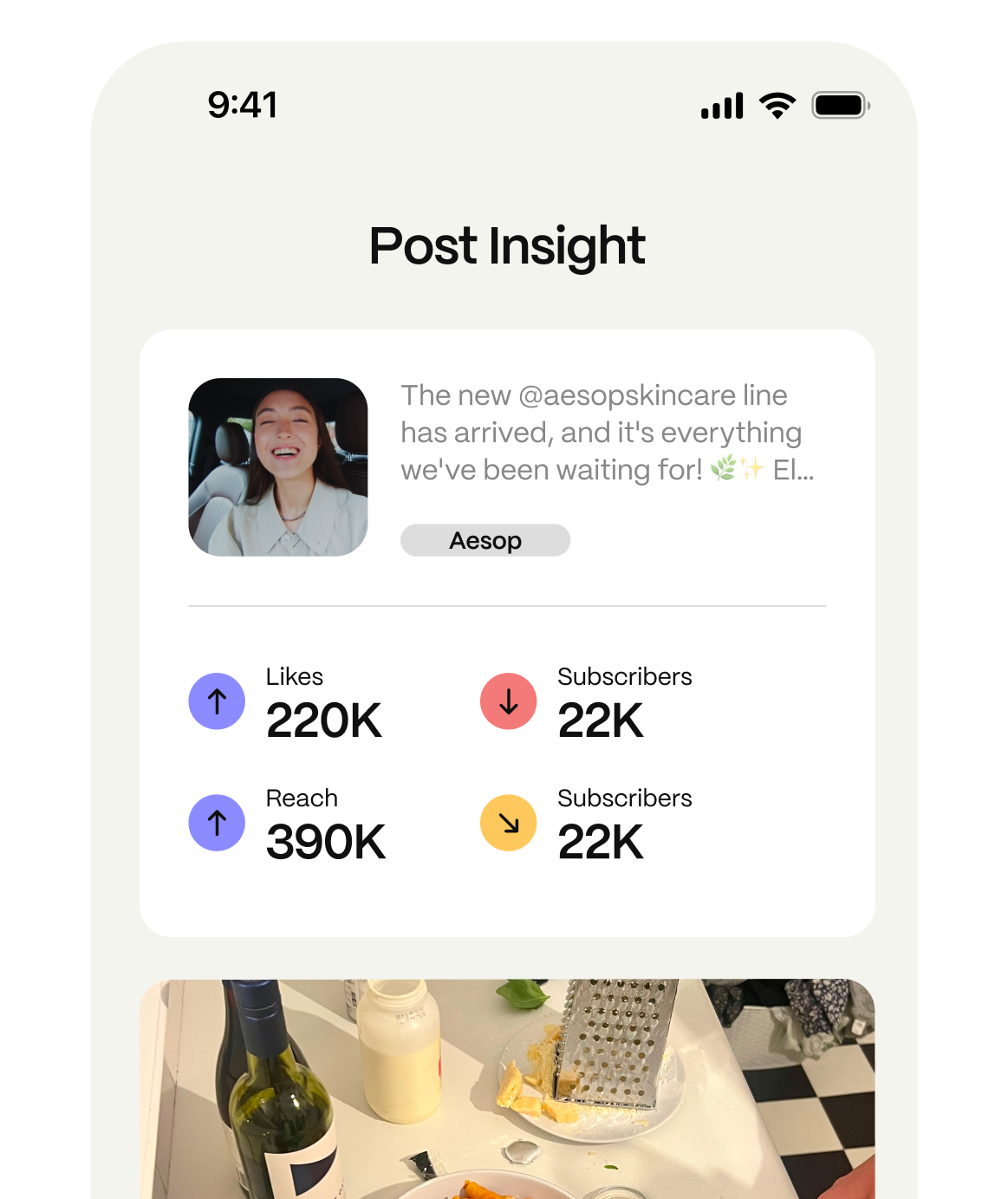
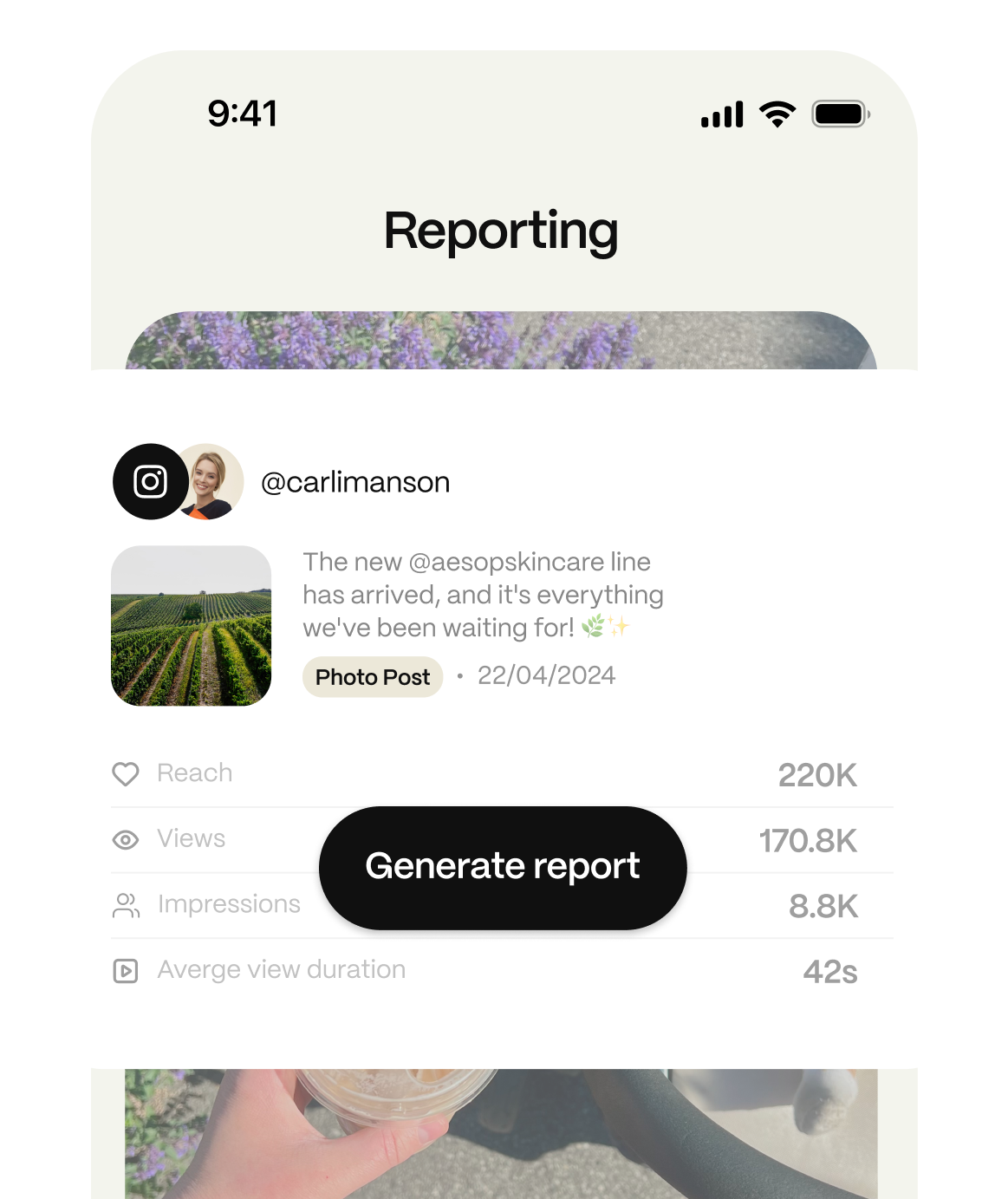
Zero manual reporting
Carl pulls stats automatically. No screenshots, no spreadsheets. Hundreds of brands use Carl for Social for tracking, so you'll have it ready for your next campaign.
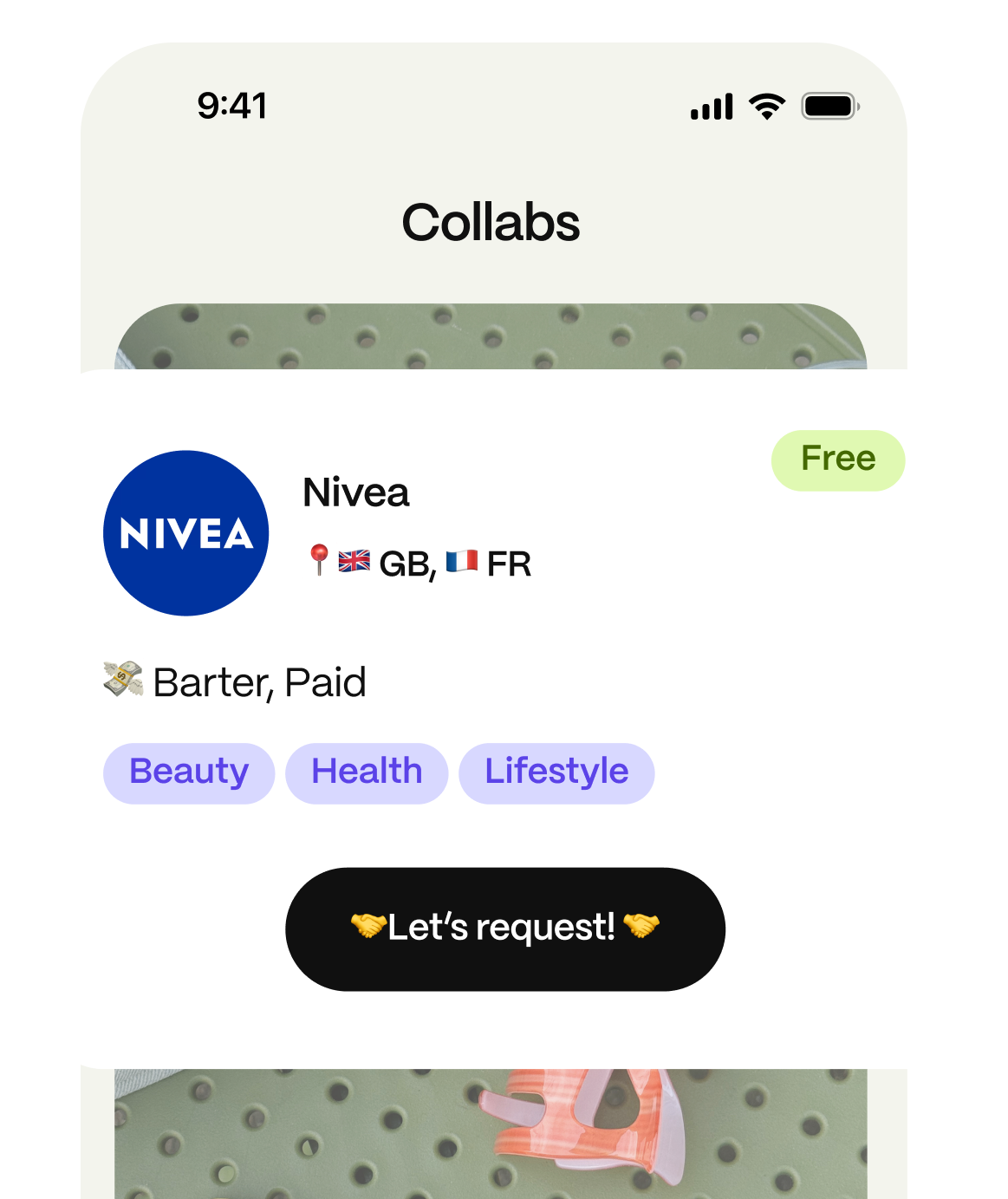
Get discovered for new deals
Once connected, you can apply to hundreds of campaigns from brands looking for creators like you. Your next partnership is just one tap away.
Your data, fully protected
We take your privacy seriously. You're always in control of what you share.
- Officially certified by Meta, Google, TikTok and Apple
- No access to your passwords — login happens directly via social platforms
- Complete control over your data — share only what you choose with brands
- Trusted by 30,000+ influencers, keeping data safe and secure


Quick answers.

Stuck on something? We're here.
Tap Help in the app — you'll get our AI assistant or the Carl team. Or email creators-help@carlforsocial.com.
Five minutes now. Hours saved every campaign after.
Sign up, connect your socials, and Carl reports every campaign post automatically — for this brand and the next one.